HomeDiscoverTop upMerchantsBusinessFAQContactGet the app
For businesses

Accept Uni5Pay+ at your business

Nine ways to get paid, from a QR standee on the counter to a full smart POS.

01

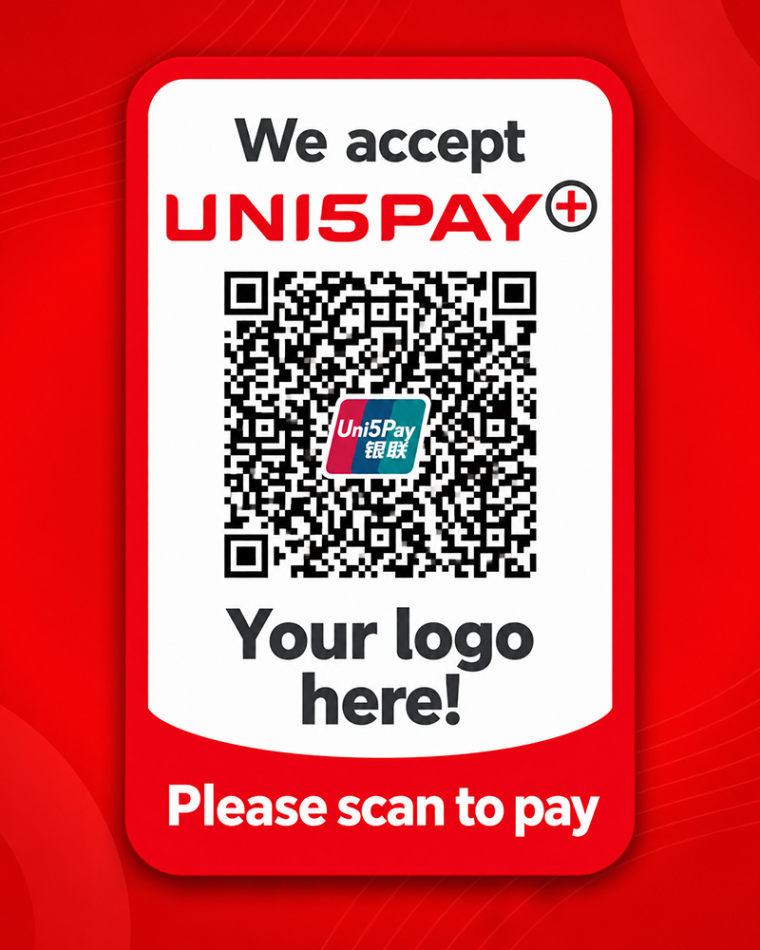
mPOS with static QR

Market vendors, small shops, service providers
mPOS with static QR

Customer experience

You take the total from your till. The customer scans the static QR code or the QR in the merchant app, enters the amount and authorises. Both customer and merchant get a notification.

How it works

Download the Uni5Pay+ Merchant App, complete registration and follow your application status in the app. Once approved you can start accepting mobile payments. Your money lands in SRD or USD on your local bank account the next business day.

Benefits

From cash only to digital. Sign up online. You use your own phone, so no upfront investment. Works anywhere your phone works. Add extra stores and operators yourself.

Requirements

An iOS or Android device. A business licence and or KKF registration.
02

QR terminal in your POS

Supermarkets and retail with an existing POS

QR terminal in your POS

Customer experience

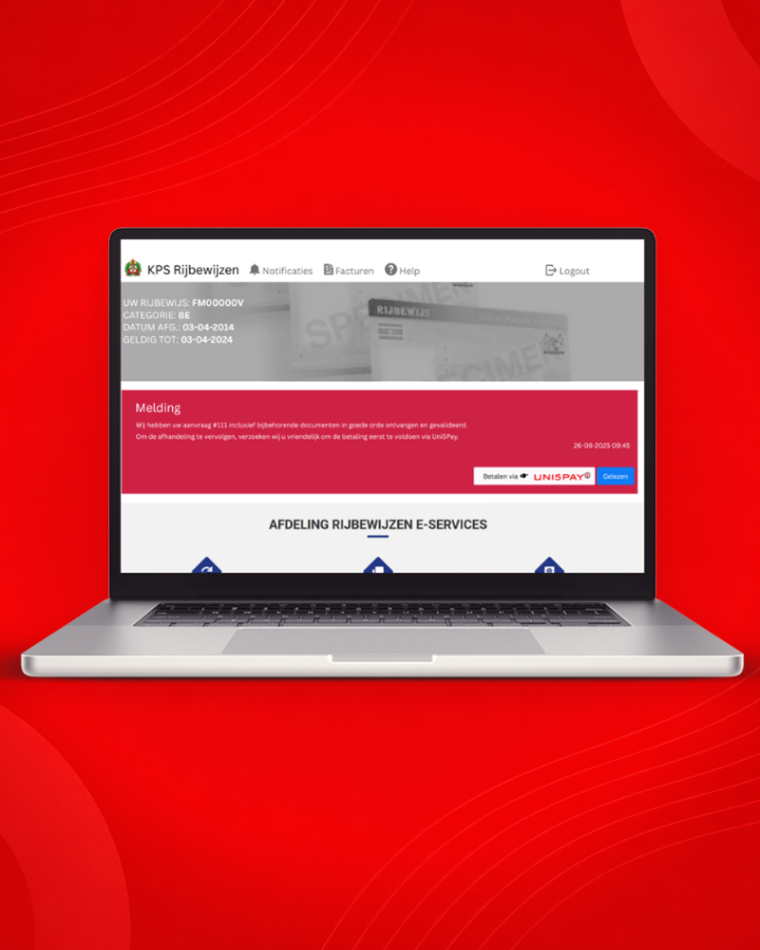
The till scans the products and shows the amount. The cashier selects Uni5Pay+ as the payment method. The QR code appears on the customer screen or the QR terminal. The customer scans and authorises, and both see the confirmation.

How it works

Uni5Pay+ is integrated into your POS. The QR code shows on the customer screen. If you do not have one, a separate QR terminal can be attached. The POS calculates the amount and generates the code automatically.

Benefits

Most existing POS systems can accept mobile payments. No separate terminal on which the amount must be re-entered. The amount comes straight from the till.

Requirements

A Windows based till with an internet connection. Business licence and or KKF registration.
03

Website integration

Web shops and eCommerce

Website integration

Customer experience

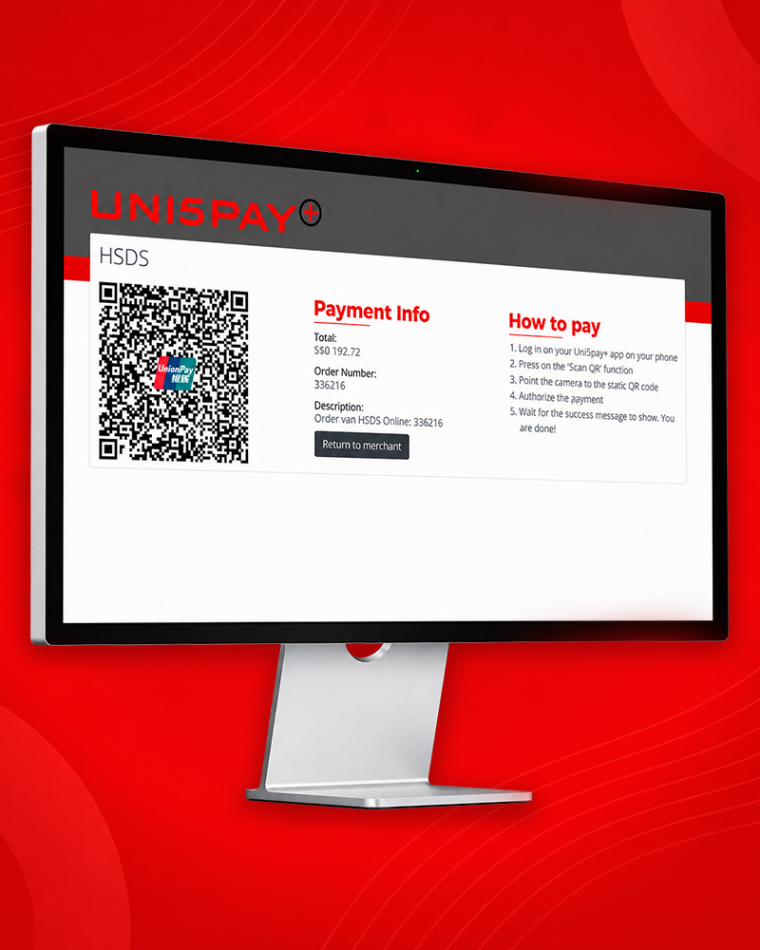
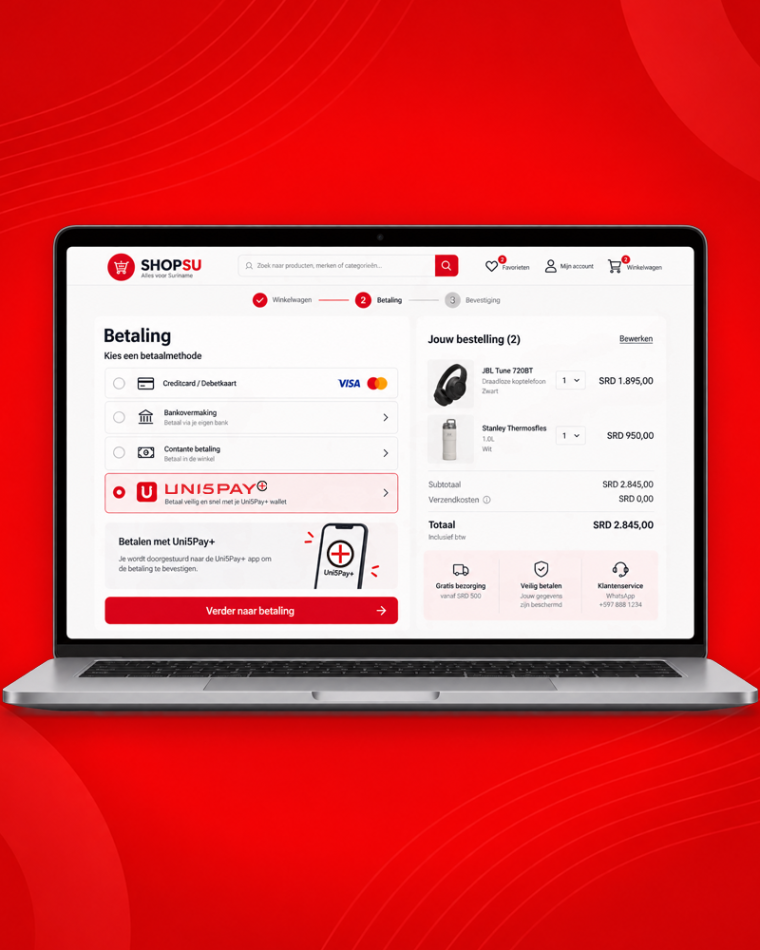
The customer chooses Uni5Pay+ at checkout and is redirected to the Uni5Pay+ payment page. There they scan the QR code or go straight to the app. After authorising, the customer returns to your site.

How it works

Your site sends a transaction request to the Uni5Pay+ gateway. The gateway returns a payment link, your site invokes it and the customer is redirected. After a successful payment your site receives a notification to process the order.

Benefits

The benefits of eCommerce, with payment before delivery. No card numbers, expiry dates or CVN2 codes to type, so fewer errors and less exposure of sensitive data.

Requirements

Add Uni5Pay+ as a payment method. On WooCommerce? Download the plugin. Otherwise integrate the Uni5Pay+ Payment API.

04

Mobile app integration

Delivery apps and mobile services

Mobile app integration

Customer experience

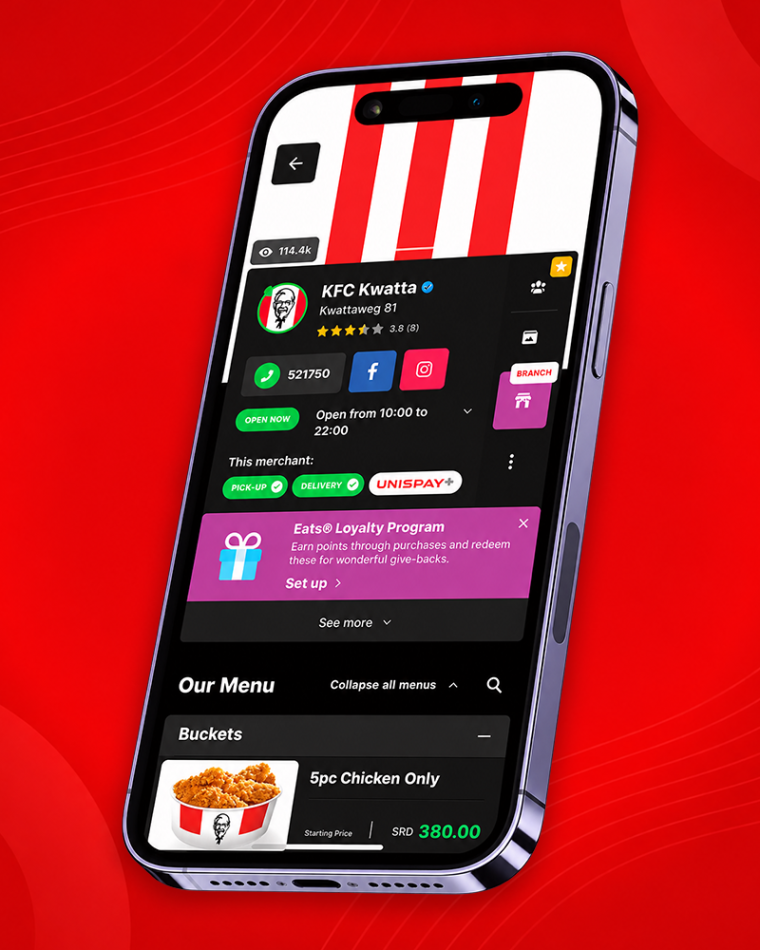
The user chooses Uni5Pay+ at checkout in your app. The Uni5Pay+ app opens, the user logs in and authorises. They return to your app and see the payment success screen.

How it works

Your app sends a transaction request to the Uni5Pay+ gateway and gets a payment link back. Your app invokes the link and the Uni5Pay+ app opens. On success your app receives a notification.

Benefits

Payment before delivery of your product or service. No more cash handling with your drivers.

Requirements

An iOS or Android app. The ability to integrate Uni5Pay+ as a payment method.

05

In-app integration

Utilities and subscription services

In-app integration

Customer experience

In the Uni5Pay+ app the customer navigates to your service and registers or selects an account. Open invoices appear automatically. The customer selects an invoice, authorises the payment and the invoice is immediately marked paid.

How it works

The Uni5Pay+ app calls your APIs for registration, invoice inquiry and invoice payment. Every user action hits an API of your system.

Benefits

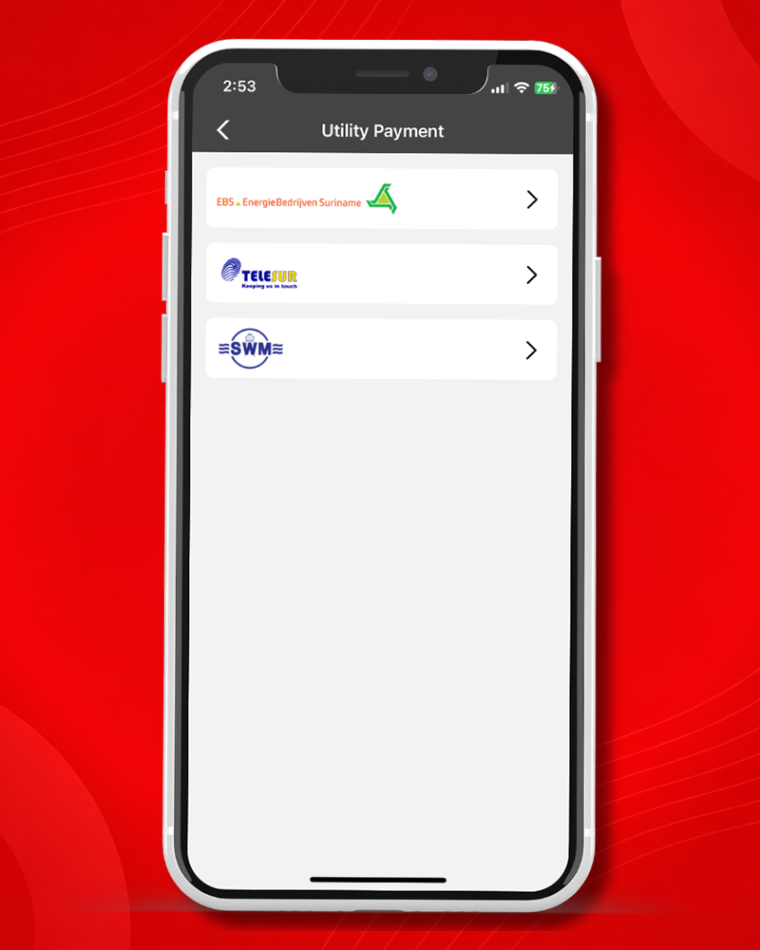
Your customer gets one place for all their payments. You join EBS, SWM and Telesur. Uni5Pay+ automates your processes based on the APIs you provide.

Requirements

Available APIs. Business licence and or KKF registration.
06

Smart POS terminal

Hospitality, hotels, delivery and events

Smart POS terminal

Customer experience

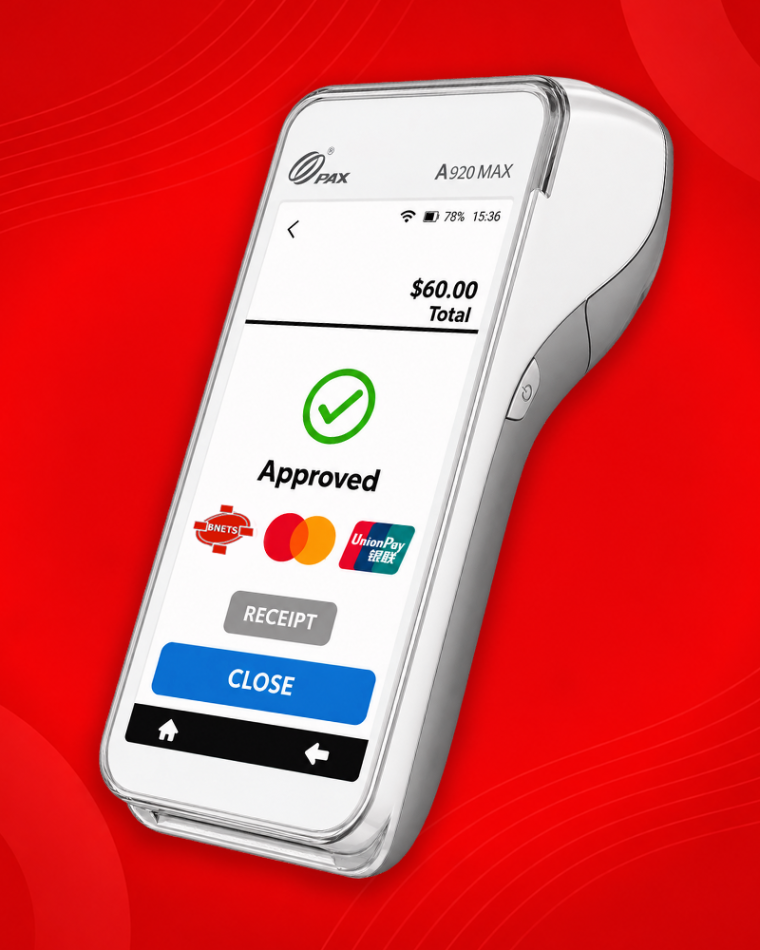
The customer pays by payment card or with their phone on one device. The terminal is portable, so you settle at the table or at the door.

How it works

Register as a merchant and specify that you would like a Smart POS terminal. The bank contacts you about your application status. On approval the terminal is installed. Your settlement in SRD or USD lands on your account the next business day.

Benefits

Accepts a wide range of payment cards and mobile payments. Supports 2G, 3G, 4G, WiFi and Bluetooth. Portable, so ideal for hotels, restaurants and cafes with pay at table, home delivery, and events or trade shows. Can be integrated into your POS and managed through a secure web portal.

Requirements

A valid business licence and a KKF registration.

07

Payment Application

Businesses without a website or app

Payment Application

Customer experience

The customer wants to pay with Uni5Pay+ and automatically receives an invoice by email. They review the details, choose “pay with Uni5Pay+”, scan the QR or go to the app, authorise and receive a confirmation email.

How it works

Add the customer to your database, generate the invoice and send it by email. WhatsApp is coming later. When the customer pays, the invoice updates to paid automatically and you receive a notification email.

Benefits

Start accepting online payments without investing in a website or app.

Requirements

A PC with an internet connection, a business licence and a KKF registration.

08

Accept utility bills and sell airtime

Neighbourhood shops, supermarkets, filling stations

Accept utility bills and sell airtime

Customer experience

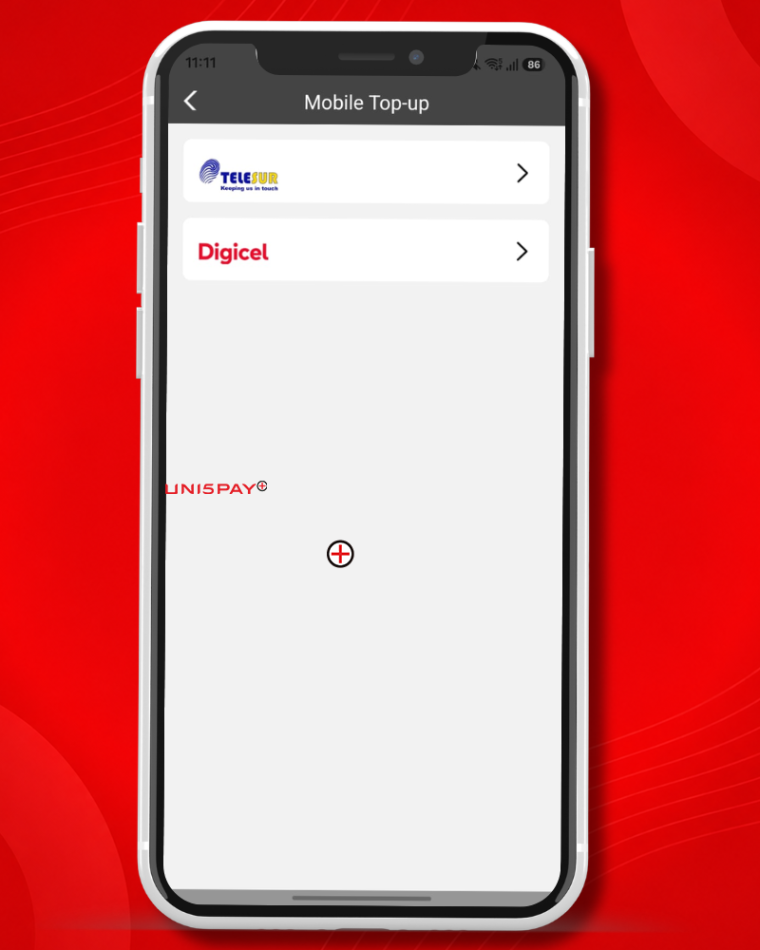
Your customer walks in with an EBS, SWM or Telesur bill, or wants airtime. You look the bill up by customer or connection number, or pick Telesur or Digicel and an amount between SRD 5 and SRD 500. The customer pays with cash, card or Uni5Pay+ QR and gets a printed receipt or an SMS. No PIN codes to read out.

How it works

The module sits in the same app and on the same terminal you already take payments with. You work from a prefunded balance: you load it and every payment draws down from it. Airtime lands on the customer number within ten seconds. On utility bills your commission is credited instantly. On airtime your margin sits between wholesale and retail, and it goes out with the daily settlement batch, alongside your card proceeds.

Benefits

People who come in to pay a bill often shop while they are there. You earn on a service that needs nothing extra: no second device, no separate float, no extra contract. And your customer no longer has to queue at the EBS or SWM counter.

Requirements

An active SCom Merchant account and a prefunded balance. A business licence and or KKF registration. A receipt printer is handy but not required; the receipt can also go by SMS.
09

Online Ordering

Restaurants, warungs, bakeries, snack bars

Online Ordering

Customer experience

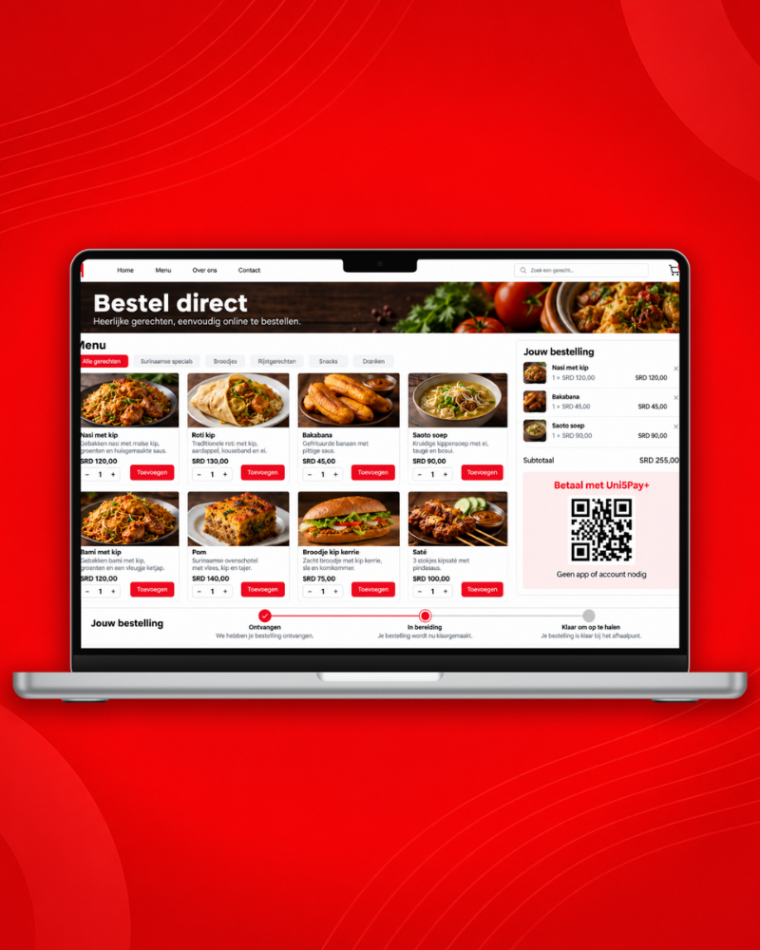
Your customer opens your order link, sees your menu with photos and prices, picks what they want and pays with Uni5Pay+ QR. After that they see a timeline: received, being prepared, ready for pickup. No app to install, no account to create.

How it works

Your menu is already in your till, so you do not have to re-enter anything: categories, items, combos and prices come along. You get one link you can put anywhere: your Instagram bio, your WhatsApp status, your Google listing, a flyer or the bottom of a receipt. Every order appears on your dashboard right away.

Benefits

You stop copying orders over and you stop fielding status calls. Payment comes up front, so you do not start on an order that never gets collected. And you have a sales channel without having a website or an app built.

Requirements

SCom Point of Sale, because that is where your menu comes from. A business licence and or KKF registration. An internet connection at the till.
Ready to sign up?

Fill in the registration form and we will get in touch.

Sign up