Frequently asked questions
Answers to the most common questions about Uni5Pay+. Search, filter by category and find your answer.
Account and levels My number is already registered but I can't access the account. What now?
My number is already registered but I can't access the account. What now?
Send us a WhatsApp on +597 891 0134 or email [email protected] with your name, your mobile number and your ID number. We will then help you access your account.
Account and levels Is Uni5Pay+ free to use with prepaid Telesur?
Is Uni5Pay+ free to use with prepaid Telesur?
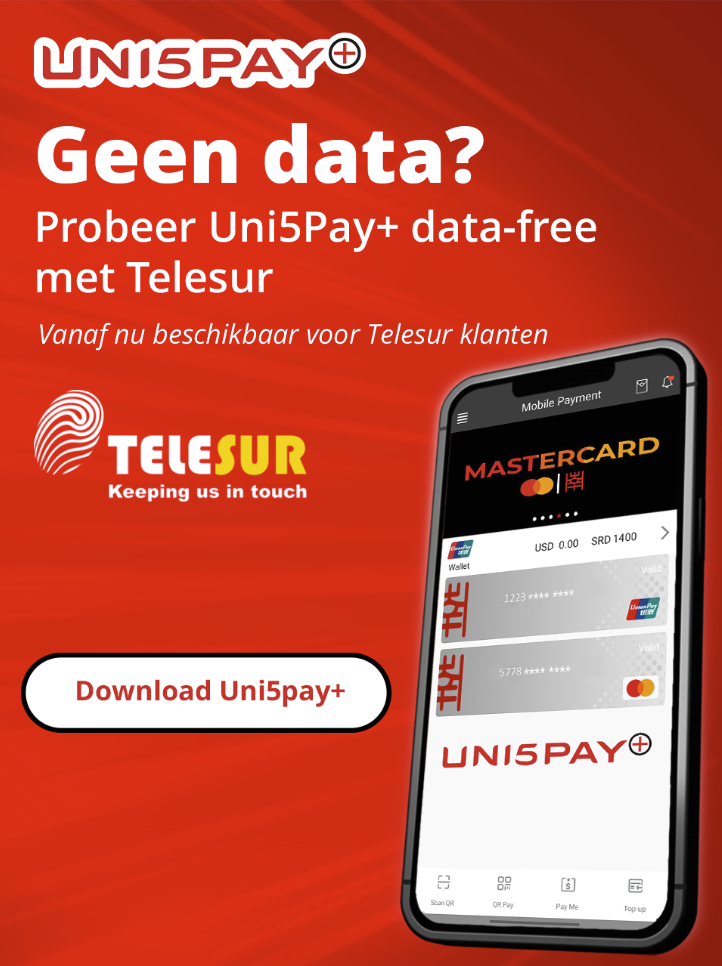
Yes. If you use a prepaid Telesur SIM card, Uni5Pay+ is data-free: opening and using the app doesn't cost you any data bundle or airtime. This works specifically through the Telesur network. Doesn't the app open for you without internet? Then check the following: set your APN via win.teleg.sr, restart your phone or turn airplane mode on and off again, if you have two SIM cards check the SIM manager (the correct SIM card must be set to data), and make sure mobile data is turned on.
Merchant When is my money in my account?
When is my money in my account?
The next business day, T+1, into your SCom account. The batch closes automatically at end of day, the funds transfer, and the statement is ready the next morning.
Merchant Which currency is settled?
Which currency is settled?
In SRD or USD into your local bank account. For eCommerce, EUR is possible as well.
Money and topping up Which currencies does my wallet hold?
Which currencies does my wallet hold?
Your wallet holds SRD and USD as standard. Both are always available and you do not need to request them. There is no SRD only wallet, and EUR is not available on the wallet.
Money and topping up How do I withdraw my balance as cash?
How do I withdraw my balance as cash?
You can withdraw your balance at Southern Commercial Bank at Tourtonnelaan 33 or at the Uni5Pay+ Shop at Maagdenstraat 52. Bring your ID, make sure you have an internet connection, and check that the funds are actually in your account.
Money and topping up What do I put in the description of a bank transfer?
What do I put in the description of a bank transfer?
Only your seven digit mobile number, for example 8888888. No +597, no 597, no dash and no spaces. Without a correct number the deposit cannot be matched to your wallet.
Paying How do I pay for my driving licence via rijbewijzen.gov.sr?
How do I pay for my driving licence via rijbewijzen.gov.sr?
Download and register the app, add money to your wallet by bank transfer or cash deposit, go to KPS Rijbewijzen, fill in the details and upload the documents, click “Pay via Uni5Pay+”, scan the QR code with the app and confirm with Face ID, Touch ID or your payment password.
Security How secure is the app?
How secure is the app?
Security is based on UnionPay International standards. Your wallet works as a virtual card and is not tied to your phone number, which is safer than physically swiping a card. All transactions are heavily encrypted and no identifying data is transmitted. On top of that comes protection with a PIN, fingerprint or Face ID. Is your phone number blocked? Your money is not on your phone but on a virtual card, so contact us. Was your phone stolen? Only you can get in, with your password, fingerprint or Face ID.
What does Uni5Pay+ cost me as a user?
What does Uni5Pay+ cost me as a user?
Nothing. The app is free to download and use, and there are no charges on a payment or on topping up your wallet.
Why is an international card more expensive than a SCom card?
Why is an international card more expensive than a SCom card?
With a SCom card the transaction stays in house and there is no intermediary. With an international card the foreign issuer passes costs through the scheme, and those sit in the rate.
Nothing found. Adjust your filter or search term.